
TL;DR: You need a computer, a DAW, and headphones that’s it. The gear list YouTube gives you is longer than it needs to be. The three phases of every track are composition, arrangement, and refinement. Most producers get stuck at arrangement because it requires decisions, not just creativity. The producers who actually release are not the ones with the best technique they’re the ones willing to commit to an imperfect structure and move forward.
You have a computer. You probably have headphones. You might already have Ableton or FL Studio sitting on your desktop with a project you haven’t opened in three weeks.
That’s enough to make electronic music. The rest of what YouTube says you need audio interfaces, MIDI keyboards, premium plugins, studio monitors comes later, if it ever comes at all. Most of the gear conversation is a way to feel like you’re preparing instead of doing the work.
Here’s how to actually get started.
What you actually need to get started
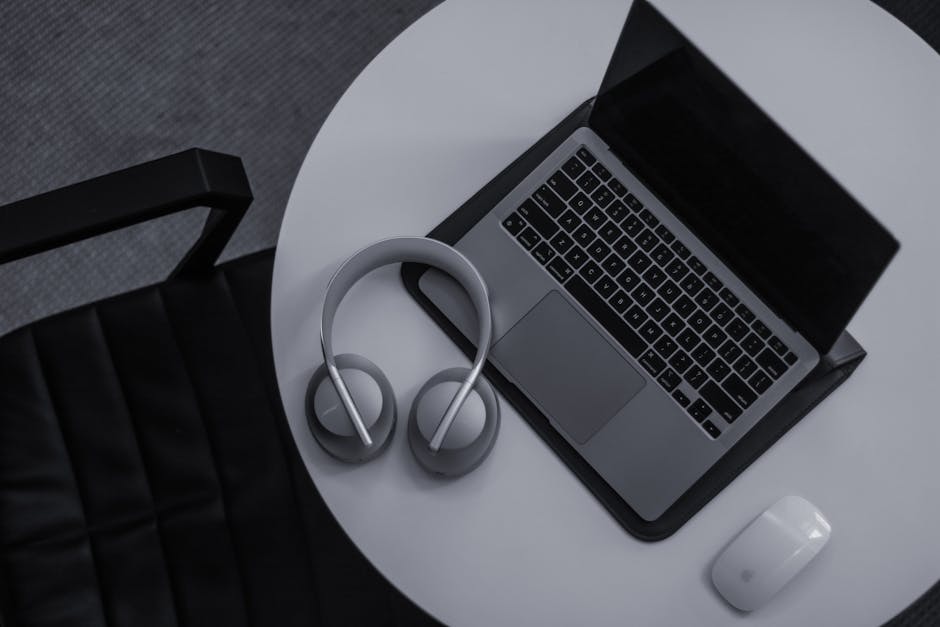
Three things.
A computer. Any laptop bought in the last five years will run a DAW. You do not need a Mac. You do not need 32GB of RAM. If the machine can run a browser and stream video without overheating, it can run Ableton.
A DAW. This is the software you’ll make tracks in. The main options for electronic music:
- Ableton Live the most common in electronic music and what I teach in the coaching program. Session view makes beat-making intuitive. The Intro version ($99) is enough to start.
- FL Studio very producer-friendly workflow, popular in hip-hop and EDM. One-time purchase with lifetime updates.
- Logic Pro Mac only, $199, professional-grade with a massive included plugin and sample library.
- GarageBand free, Mac only. Teaches the same fundamentals as anything else. Most people who start here eventually upgrade, but it takes you further than you’d expect.
Pick one and stay with it for at least a year. The producers who switch DAWs every few months in search of the right workflow are usually avoiding the harder work of actually finishing something. The DAW is not the problem.
Headphones. Closed-back studio headphones are enough to start mixing seriously. The Sony MDR-7506 and Audio-Technica ATH-M50x are the two most common first buys, both under $150. Studio monitors introduce room acoustics, which adds a layer of complexity you don’t need while you’re still learning the fundamentals.
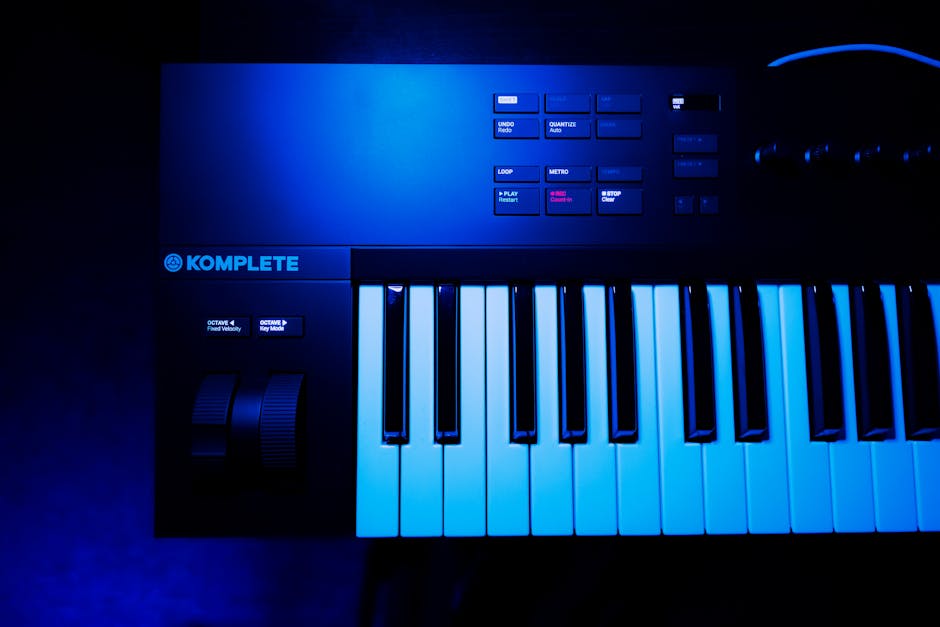
That’s the setup. A MIDI keyboard is useful once you start writing chords and melodies but it is not required. A MIDI keyboard before you can hear the difference between a good chord and a bad one is a keyboard sitting in the corner.
The three phases every electronic track goes through
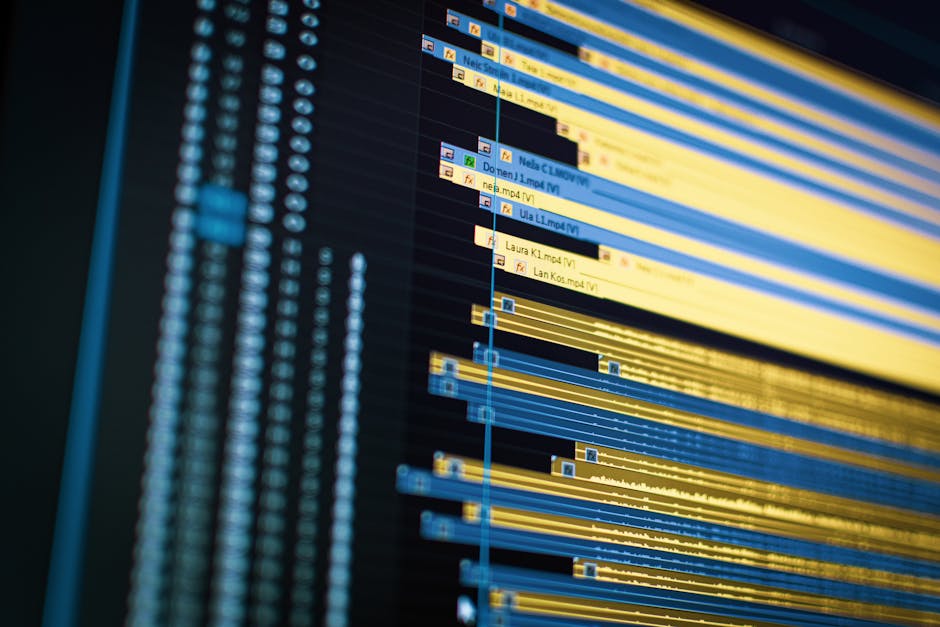
Before you open a session and start dragging samples around, understand the shape of what you’re building. Every finished electronic track moves through three phases:
Composition. Creating the parts: drums, bass, chords, melody, textures. This is where most producers spend all of their time. It’s the starting point, not the destination.
Arrangement. Taking the parts and building them into something with a beginning, a middle, and an end an intro, a build, a drop or chorus, a breakdown, an outro. This is the hardest phase. It’s also the phase most tutorial content skips entirely, because arrangement is decision-making, and decision-making is hard to turn into a five-minute YouTube video.
Refinement. Mixing, EQ, compression, effects, and mastering. If composition and arrangement are solid, refinement takes a few hours. If they’re not, no amount of EQ will fix a bad structure.
The mistake almost every new producer makes: weeks in composition, jumping straight to refinement, wondering why the track never sounds finished. The arrangement phase is not optional. It’s where the loop becomes a song.
How to build an electronic track from scratch
Start with the kick and the bass. Every other element gets built around the low end.
1. Set your tempo. House and techno sit between 120 and 140 BPM. Drum and bass: 140 to 160. Downtempo and chill house: 60 to 90. Pick something that matches the energy you’re building toward and lock it. Changing tempo mid-project creates problems with anything you’ve already quantized.
2. Build the drum pattern. For anything meant to move on a dancefloor, a four-on-the-floor kick is the starting point. Add a clap or snare on beats 2 and 4. Layer in hi-hats for movement. Keep the pattern simple at first complexity in the drums makes everything else harder to build around.
3. Write the bass line. Root notes on beat 1 will hold down 80% of tracks. Keep the bass in the 40 to 200 Hz range and out of the frequency space your kick needs. Get the kick sounding right on its own before layering in the bass, then check them together.
4. Add chords. Short stabs for energy, pads for atmosphere, plucks for something in between. Keep them high enough in the frequency range that they’re not fighting the bass. Cut everything below 200 Hz on anything that isn’t the kick or bass.
5. Write the melody or hook. The part that gets remembered. Simple almost always wins. Most hooks that work could be explained in under eight notes.
6. Arrange. Structure what you’ve built into a track. A starting template: 8 bars intro (stripped back), 16 bars verse (adding elements), 8 bars build (tension rising), 16 bars drop or chorus (full energy), 8 bars breakdown (stripping back), 16 bars drop (full energy again), 8 bars outro (fading out). Adjust from there. The template is scaffolding, not a rule.
7. Mix and master last. Mixing before the arrangement is done wastes time. Every arrangement change forces a remixing decision. Finish the structure first.
Why most producers get stuck at the arrangement

This is the part nobody writes about. And it’s the part that separates producers who release from producers who stay in the loop.
The loop sounds good. Every version of it sounds good. Committing to an arrangement means choosing one version over all the others and that choice feels permanent in a way that adding another synth layer doesn’t. So the synth layer goes in. The reverb gets tweaked. The arrangement doesn’t get built. Three weeks later the track still sounds like a demo.
I went through exactly this for years before I had structured feedback from people who had already solved the problem. At IO Music Academy, I worked alongside producers who had finished real tracks, not eight-bar loops. Watching how they made arrangement decisions changed how I make music. They weren’t more creative. They were more willing to commit. One hour in the arrangement is worth four hours in the loop.
The fix is rougher than you want: set a structure first, even if every section is a placeholder. Rough and complete beats polished and eight bars. A track that exists can be improved. A loop that sounds perfect but has no arrangement is still not a song.
The difference between producers who release and producers who dont
Not gonna lie: the producers who release consistently are not the ones with the best technique.
YouTube tutorials make you worse before they make you better if you’re not careful. The feedback loop is broken. You watch a video about compression, feel informed, open Ableton, spend 45 minutes on the kick, close the session without finishing anything. The knowledge accumulates. The track count doesn’t.
Matthew, one of my students, released his debut track and hit 10,000 streams on Spotify. What changed wasn’t a new plugin or mixing technique. He told me he’d been over-complicating his sessions for years. Eight tracks. Stock Ableton plugins. The breakthrough was deciding to stop adding elements and start finishing the structure he had.
The producers who release have a different relationship with imperfection. They commit to a rough structure and improve from there. They don’t wait until the intro is perfect before building the drop. They make decisions and move forward.
If you’re already releasing music consistently and want to improve your technical execution, the 12-week coaching program isn’t the right fit. A mixing course or targeted feedback sessions would serve you better. The program is for producers who aren’t finishing who have ideas but can’t get them past the loop stage.
Frequently asked questions

- Can I make electronic music without any musical training?
- Yes. Most electronic producers learned by ear, not by reading sheet music. Music theory helps once you’re trying to understand why something sounds off but it isn’t a prerequisite. Start making things and theory fills in the gaps naturally as questions come up.
- What’s the best DAW for beginners making electronic music?
- Ableton Live, FL Studio, or GarageBand (Mac, free). The honest answer is the one you’ll actually use. GarageBand is free and teaches the same fundamentals as paid software. Ableton is what most working producers in electronic music use long-term. FL Studio suits beat-making workflows particularly well.
- Do I need a MIDI keyboard to make electronic music?
- No. A MIDI keyboard helps when writing chords and melodies, but you can program everything with a mouse and keyboard to start. Buy one after you’ve finished a few tracks and started noticing the specific limitation not before.
- How long does it take to make a good electronic track?
- A first track that actually gets finished rough arrangement, decent mix, release-ready takes most producers four to eight weeks working part-time. The skill isn’t going faster. It’s staying in it long enough to get through the arrangement phase.
- What genre should I start with as a beginner?
- The one you actually listen to. Making music in a genre you don’t understand because it seems easier produces tracks that sound like they were made by someone who doesn’t listen to that genre. Start with what you know.
- Why do my electronic tracks sound amateur compared to professional releases?
- Three most common reasons: the arrangement is too dense (too many elements competing for space), the low end isn’t balanced (kick and bass fighting each other), or the sounds are unchanged default presets. Fix those three things before worrying about mixing plugins.
- Is it better to learn music production solo or with a coach?
- Both work. Solo learning is slower because feedback is delayed and often wrong you don’t always know what you’re doing wrong. A coach compresses the timeline because someone can see your session and tell you directly what the issue is. The question is whether that speed matters enough to pay for it.
- What’s the biggest mistake beginners make when learning electronic music production?
- Treating each tutorial as a prerequisite for starting. The tutorials are most useful when you have a specific problem to solve not as a course to complete before you’re allowed to make tracks. Start making things on day one. The problems will come up, and then the tutorials will actually mean something.
Ready to go further?
Book a free strategy call at calendly.com/cylus_music. Describe what you’re working on and where you’re stuck.